
Several agents, one workspace
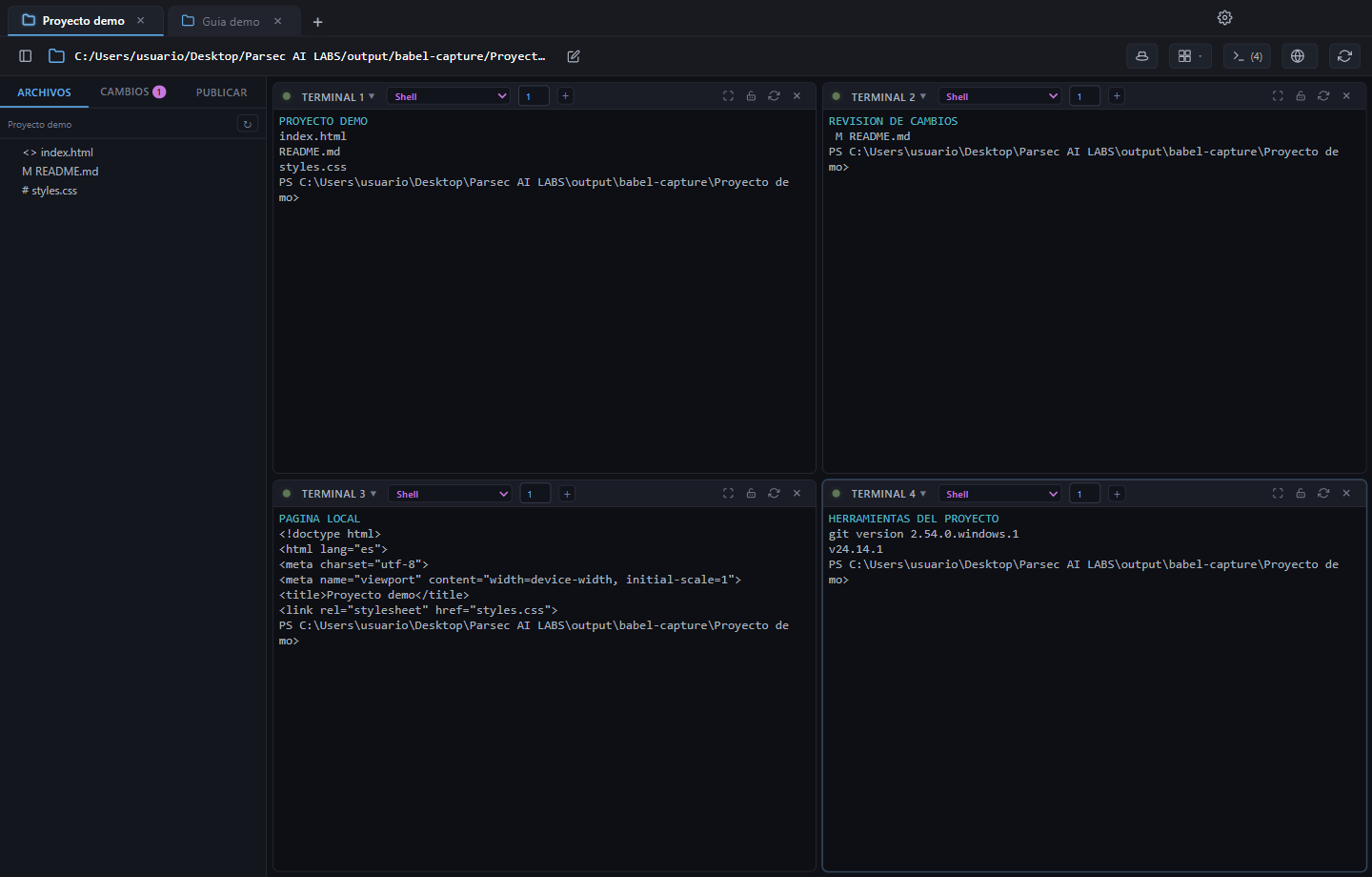
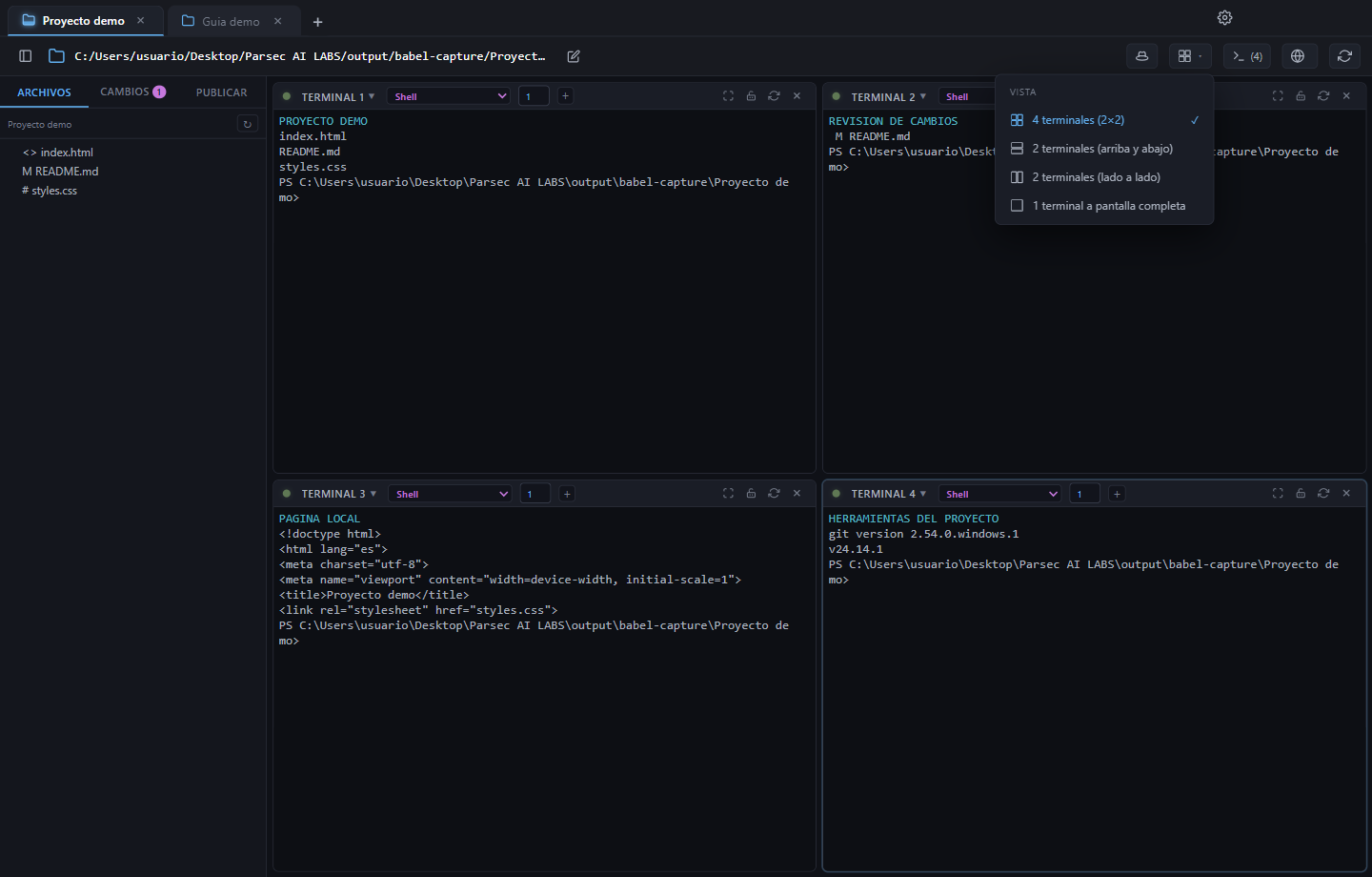
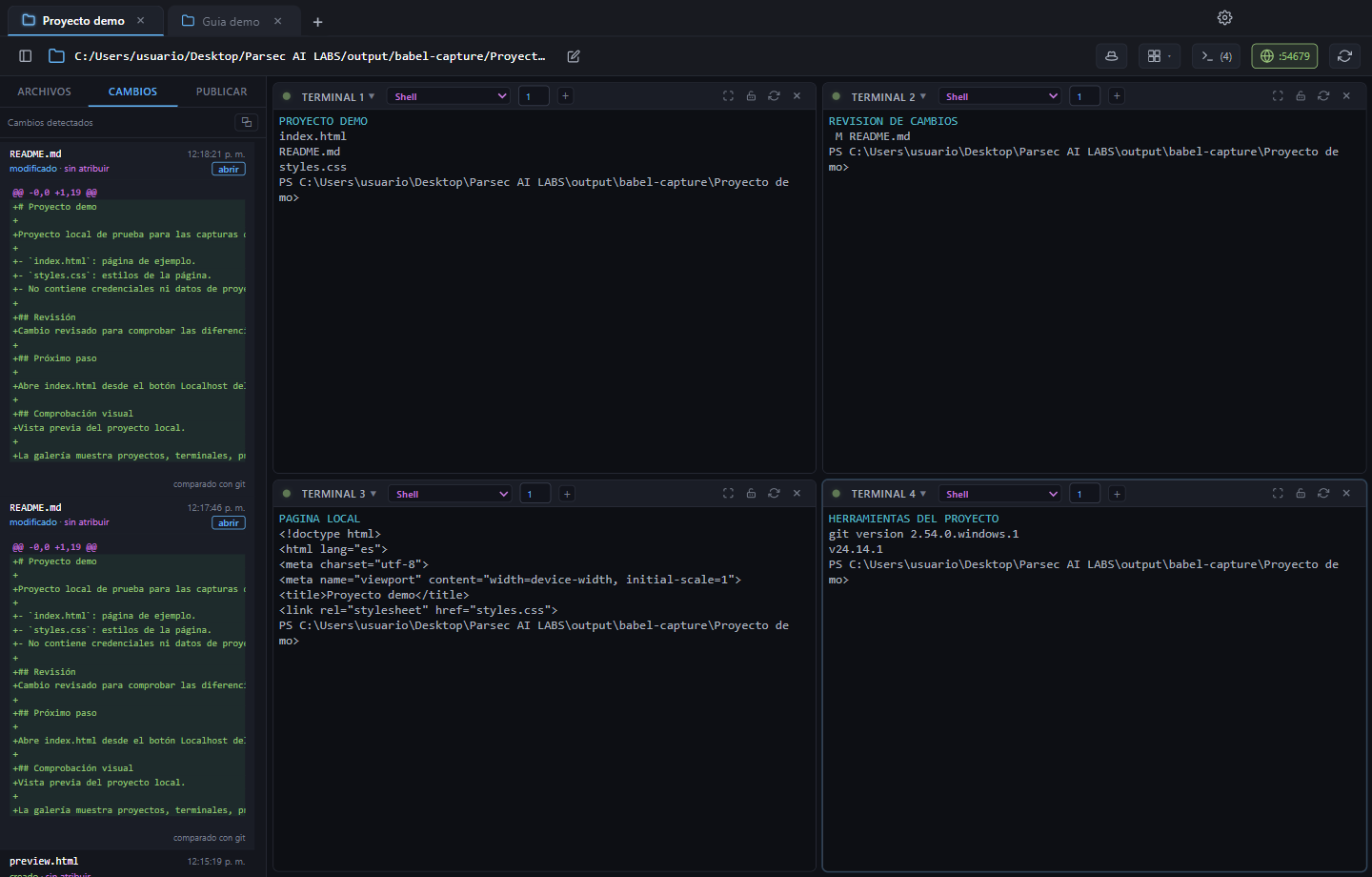
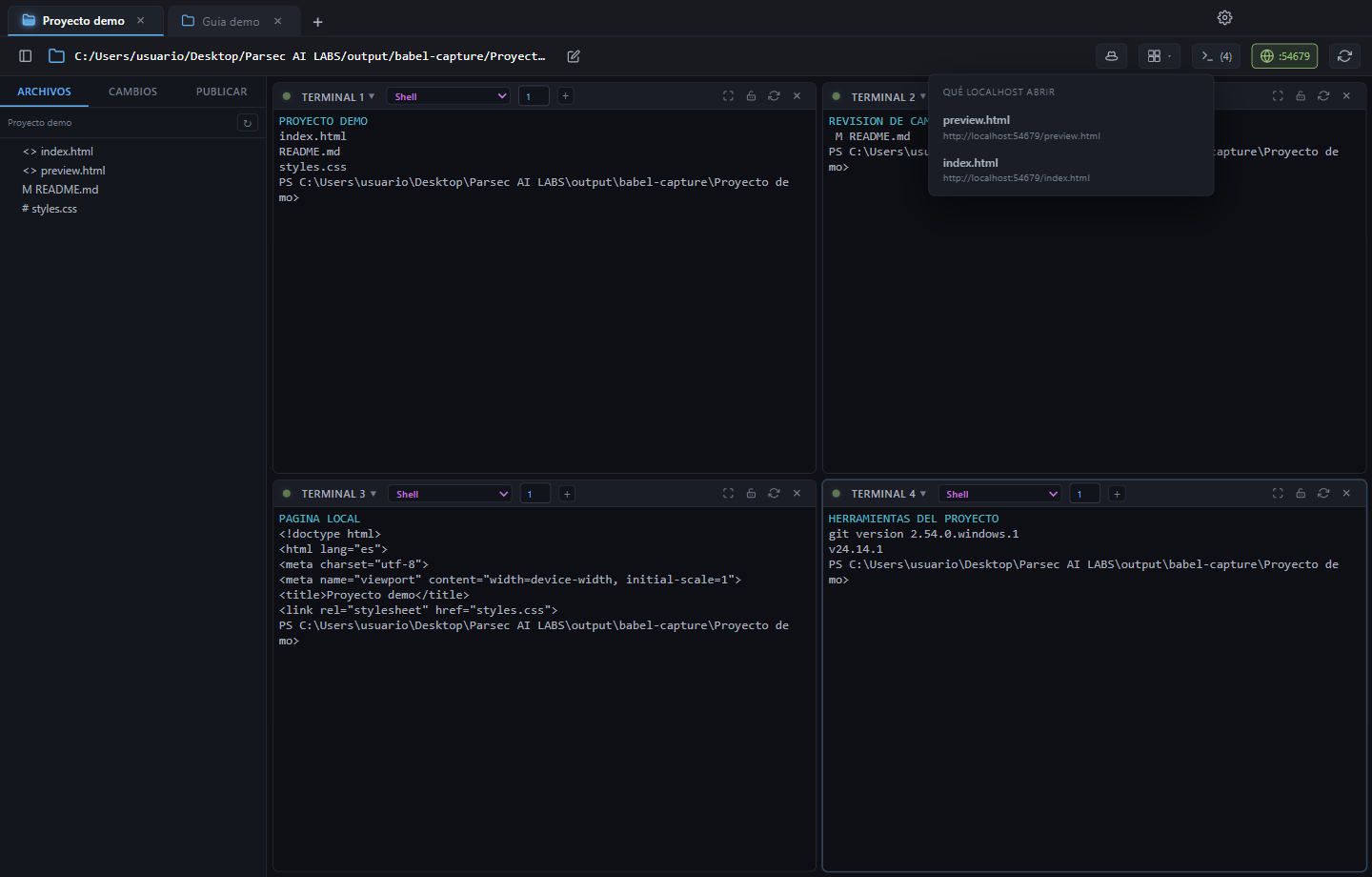
Babel Mux brings your projects and command-line tools into one window. Open a project in each tab, organize its panels and follow several agents in layouts with one, two or four visible terminals.
The application installs and runs on your computer. AI requests from providers you configure use those providers’ services and your credentials.
Babel Mux 1.0.0 · Windows x64
Unsigned executables. Windows may display an unknown publisher warning. Verify the SHA-256 before running the file.
Explore the gallery by feature and the illustrated installation and usage guide.
What’s included
- Projects and panels: keep working folders separate and switch between terminals while following the whole workspace.
- Your CLI providers: use tools you have installed and signed into. Babel Mux includes no AI subscriptions or credits.
- Files and changes: explore your project and review changes as agents work.
- Localhost previews: open local applications started by your tools.
- Recovery: keep workspace organization and output for later; processes from closed sessions need to start again.
Add your provider
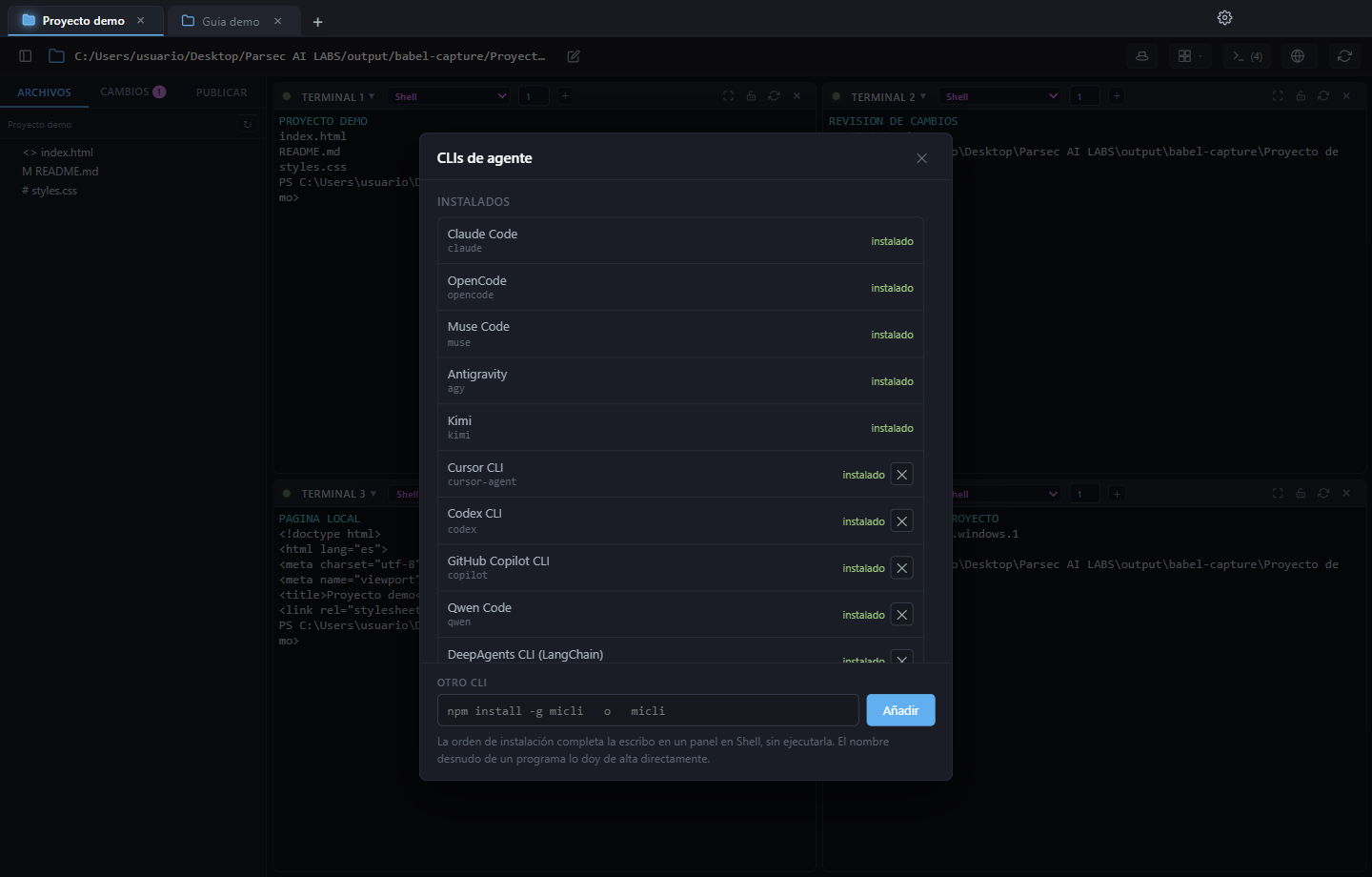
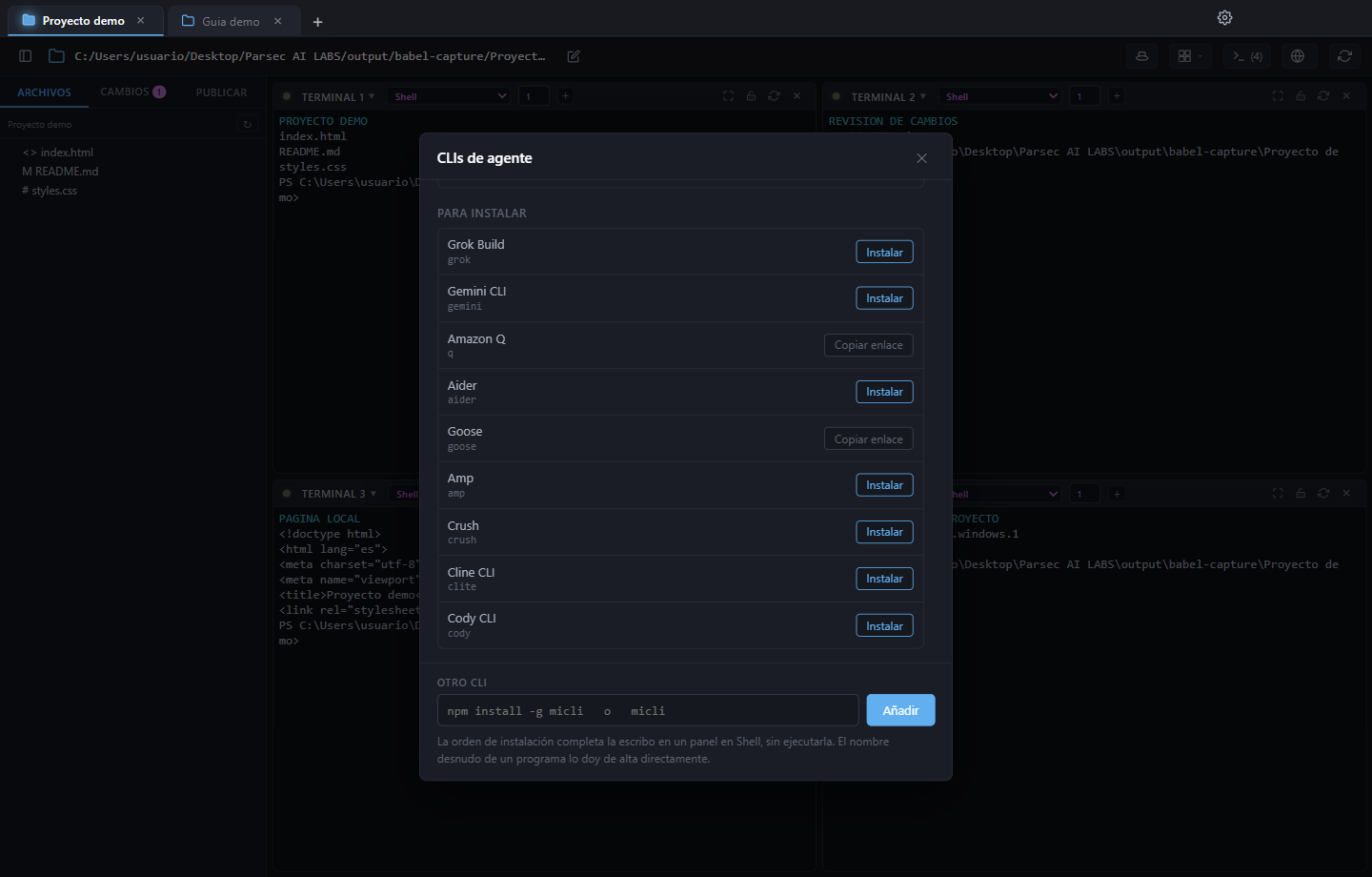
Copy the PowerShell installation command from the provider’s official website, run it and wait for installation to finish. Then use the circular control beside Localhost or close and reopen Babel: installed catalog providers will appear in the panel’s dropdown.
In 1.0.0, that circular control restarts the project’s terminals; save your work first. For a CLI outside the catalog, also register its executable name under Add agent CLI…, Other CLI. The guide covers the full process with screenshots.
Release status
Windows x64, version 1.0.0. Agent chat and remote PWA access: Coming soon. Agentic Babel is a separate application and is not included. macOS and Linux have not been verified for this release.
License and documentation
The core multiplexer is free for personal, educational and commercial use under a proprietary license. Paid agent services and features have separate terms; this download does not promise access to them. The source repository is private.
Use the documentation button for the installation and usage guide (available in English and Spanish): installation, your first project, providers, layouts, localhost, recovery, security and version limitations.